Received damage or incorrect product from the TikTok ShopUpdated 6 months ago
If you placed an order on the TikTok shop and the order arrived damaged, or you received the incorrect item, you can follow the instructions below to get it resolved.
Via the TikTok App
- Open the TikTok app and navigate to the 'Shop' tab
- Click on 'Orders" and find the order with your Nello product
- Click on the 'Return/Refund' button below the order
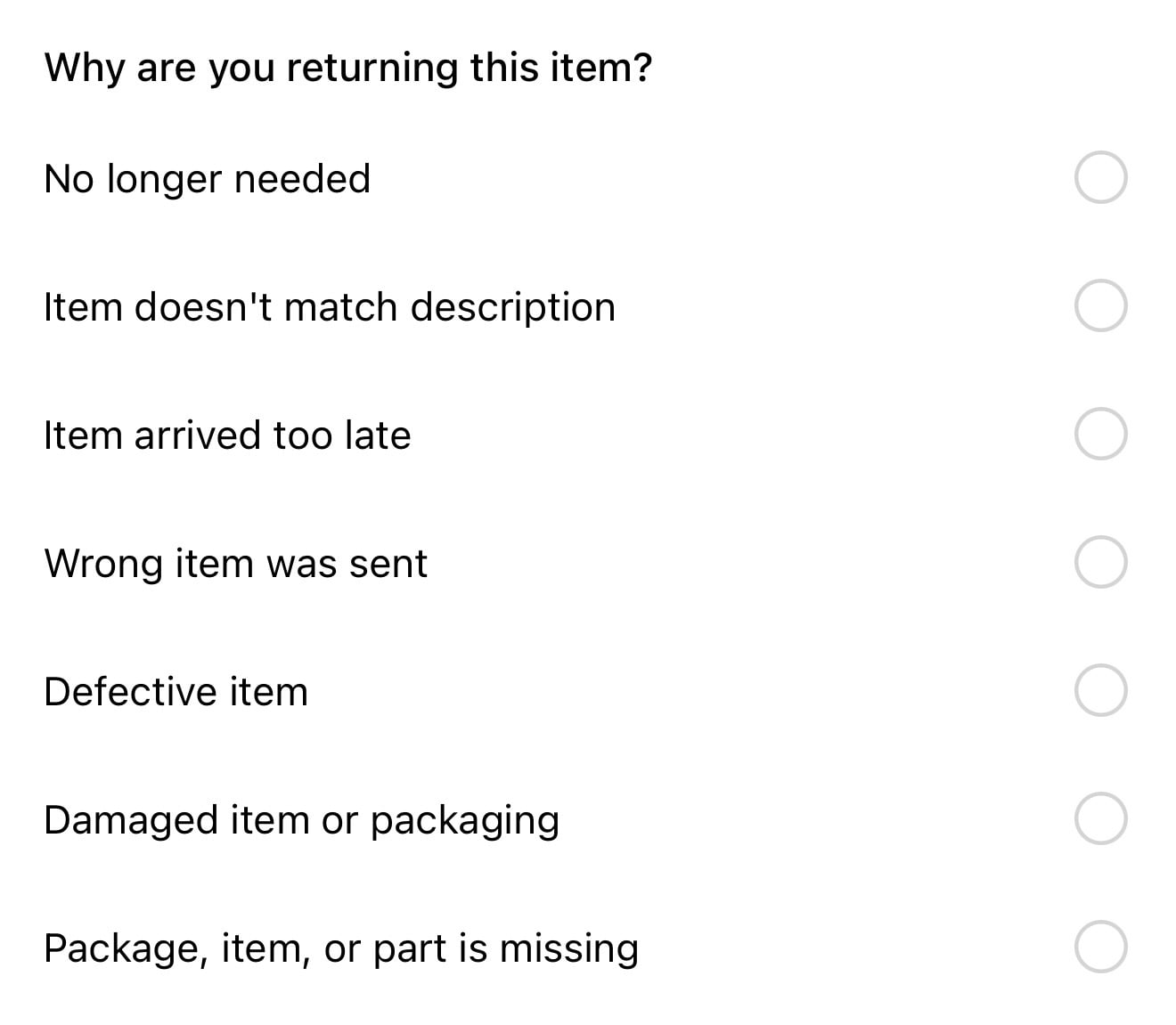
- Select the product you are requesting a return/refund for and choose the reason for your request (see example below)
Once we receive the request, our team will review it and take the necessary action. We will also reach out to you via TikTok if we have any additional questions.